
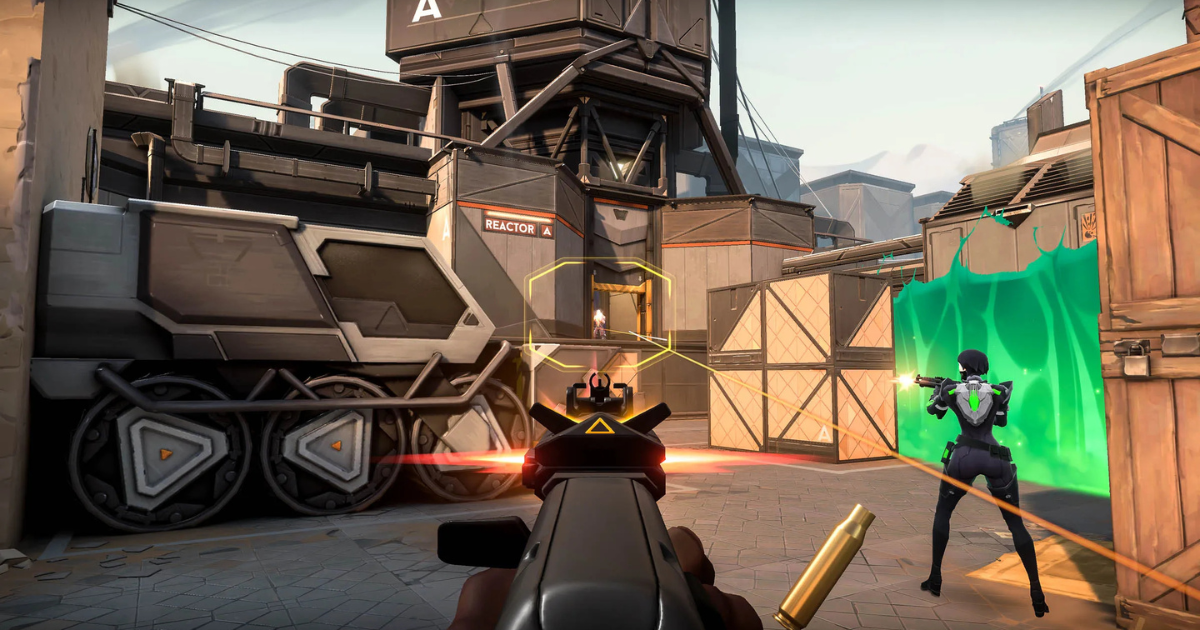
Good aim is one of the most important skills in FPS (First-Person Shooter) games. Whether you play competitively or casually, improving your aim can dramatically increase your kill count, consistency, and overall performance. While natural talent helps, strong aim is mostly built through proper settings, regular practice, and good habits. This guide explains the most effective ways to improve your aim in FPS games.
1. Optimize Your Sensitivity Settings
Finding the right mouse sensitivity is crucial. Sensitivity that is too high makes aiming unstable, while sensitivity that is too low slows your reaction time. Most professional FPS players use low to medium sensitivity for better control and accuracy.
Start by adjusting your sensitivity so you can comfortably perform a 180-degree turn with one smooth mouse movement. Keep your sensitivity consistent across all games to build muscle memory.
2. Use the Right DPI and Mouse Grip
Set your mouse DPI between 400 and 800, which offers better precision for aiming. Avoid constantly changing DPI, as it disrupts muscle memory.
Your mouse grip also affects control:
-
Palm grip offers stability
-
Claw grip allows faster flicks
-
Fingertip grip provides fine adjustments
Choose the grip that feels most natural and stick with it.
3. Improve Crosshair Placement
Good crosshair placement reduces the need for fast flicks. Always keep your crosshair at head level and aimed where enemies are likely to appear. This habit significantly improves reaction time and accuracy.
Instead of aiming at the ground, train yourself to pre-aim common angles, doorways, and corners.
4. Practice Aim Training Regularly
Consistent practice is key to improving aim. Use aim trainers such as:
-
Dedicated aim training software
-
In-game practice ranges
-
Deathmatch or aim-focused modes
Spend 15–30 minutes daily working on tracking, flicking, and target switching. Short, focused sessions are more effective than long, inconsistent ones.
5. Master Recoil Control
In many FPS games, weapons have predictable recoil patterns. Learning how to control recoil can greatly improve accuracy during sustained fire. Practice spraying and countering recoil in training modes.
Pull your mouse in the opposite direction of the recoil pattern to keep shots on target.
6. Adjust Your Field of View (FOV)
Your FOV affects how enemies appear on screen. A wider FOV improves awareness, while a narrower FOV makes targets appear larger. Find a balance that feels comfortable and stick with it. Avoid frequent changes, as consistency helps muscle memory.
7. Improve Positioning and Movement
Good aim is not just about shooting—it’s also about positioning. Use movement to make aiming easier by:
-
Strafing while shooting
-
Stopping briefly before firing for better accuracy
-
Avoiding unnecessary jumps during fights
Good positioning gives you easier shots and reduces pressure in gunfights.
8. Use Proper Hardware and Setup
A stable setup improves aim consistency:
-
Use a large mousepad for better control
-
Set your monitor to the highest refresh rate available
-
Disable mouse acceleration in system settings
These small changes can significantly improve precision.
9. Analyze and Learn from Mistakes
Review your gameplay to identify missed shots and poor habits. Watching replays helps you understand whether your aim issues come from positioning, sensitivity, or panic during fights.
Conclusion
Improving aim in FPS games takes time, patience, and consistent practice. By optimizing your settings, developing strong crosshair placement, practicing daily, and maintaining good habits, you can significantly enhance your accuracy and confidence. Focus on steady improvement rather than quick results, and your aim will naturally improve over time.