
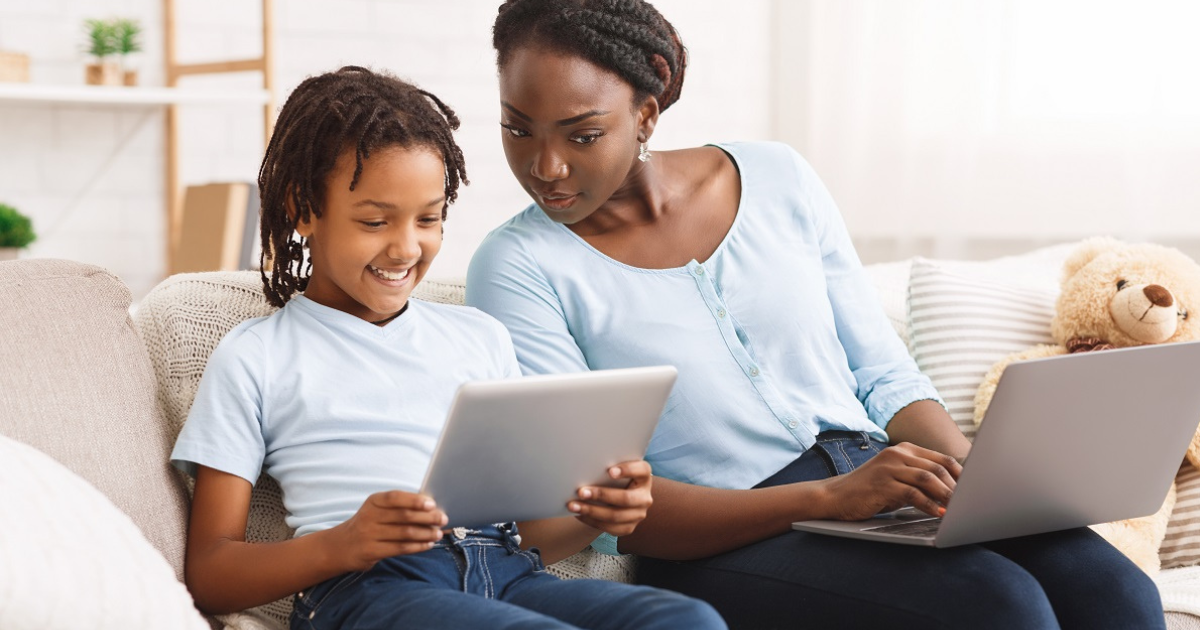
Video games are a major part of modern childhood, offering entertainment, creativity, and social interaction. While gaming can be fun and educational, it also comes with potential risks such as inappropriate content, excessive screen time, and online interactions with strangers. This parental guide to gaming safety will help parents create a safe and positive gaming environment for their children.
1. Understand the Games Your Child Plays
The first step in gaming safety is knowing what your child is playing. Research the game’s content, age rating, and online features. Rating systems like ESRB and PEGI provide guidance on age-appropriate content, including violence, language, and in-game purchases.
Take time to watch gameplay videos or even play the game yourself. This helps you better understand what your child is experiencing and opens the door for meaningful conversations.
2. Set Clear Rules and Time Limits
Establishing clear gaming rules helps children develop healthy habits. Set limits on how long and when games can be played, especially on school nights. Encourage balance by prioritizing homework, physical activity, and family time.
Using built-in parental controls on consoles and devices allows you to manage screen time automatically, reducing the need for constant supervision.
3. Use Parental Controls and Privacy Settings
Most gaming platforms offer parental control features that help protect children. These tools can:
-
Restrict in-game purchases
-
Limit access to online chat and voice communication
-
Block mature content
-
Control friend requests
Privacy settings should be adjusted so personal information such as real names, location, or school details are not visible to strangers.
4. Teach Online Safety and Digital Etiquette
Children should understand that not everyone online has good intentions. Teach them never to share personal information and to avoid clicking suspicious links. Encourage them to report or block players who are abusive, threatening, or inappropriate.
Discuss respectful online behavior and explain that kindness and good sportsmanship apply online just as they do in real life.
5. Monitor Online Interactions
Multiplayer games often include voice and text chat, which can expose children to toxic language or strangers. Periodically monitor your child’s friend list, messages, and interactions.
Let children know they can come to you if something online makes them uncomfortable. Open communication builds trust and helps parents address issues early.
6. Manage In-Game Purchases
Many games include microtransactions, loot boxes, or battle passes that can lead to unexpected spending. Disable automatic purchases or require a password for transactions.
Teach children the value of money and explain how in-game purchases work so they understand the difference between virtual items and real-world spending.
7. Encourage Healthy Gaming Habits
Promote healthy gaming by encouraging regular breaks, good posture, and proper lighting. Extended gaming sessions can cause eye strain and fatigue. Balance gaming with outdoor activities, hobbies, and social interaction to support physical and mental well-being.
8. Recognize Warning Signs
Watch for signs of unhealthy gaming behavior, such as:
-
Sudden changes in mood
-
Declining school performance
-
Isolation from family and friends
-
Irritability when not gaming
If these signs appear, calmly discuss concerns and adjust gaming rules if necessary.
Conclusion
Gaming can be a positive and enriching experience when managed responsibly. By understanding game content, setting boundaries, using parental controls, and maintaining open communication, parents can ensure their children enjoy gaming safely. A proactive approach to gaming safety helps children develop healthy habits and enjoy the digital world with confidence and responsibility.